How to Cancel a cPGuard License
- Log in to your account at the OPSSHIELD Portal
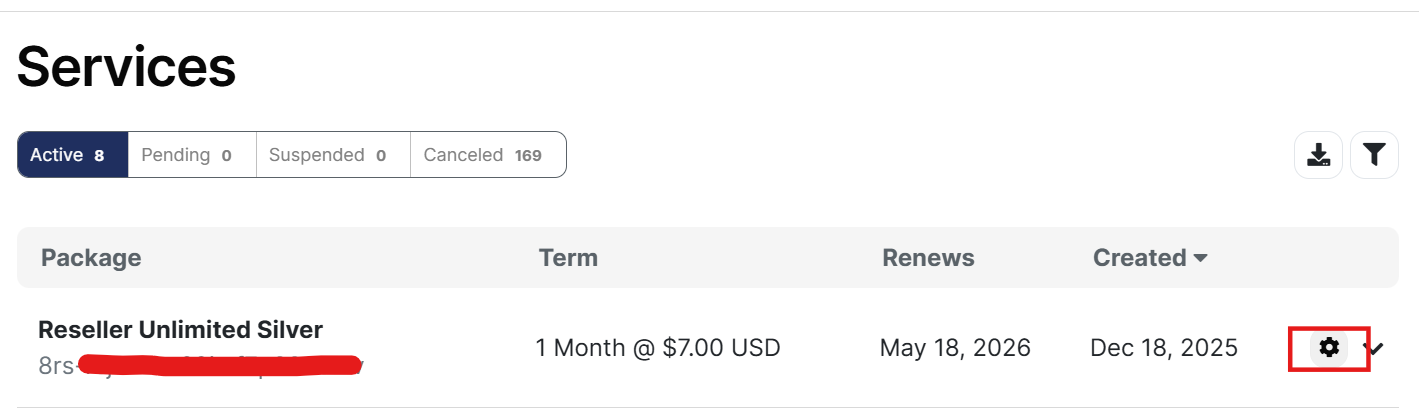
- Once logged in, find the license key you wish to cancel under the Services section
- Click on the gear icon corresponding to the license
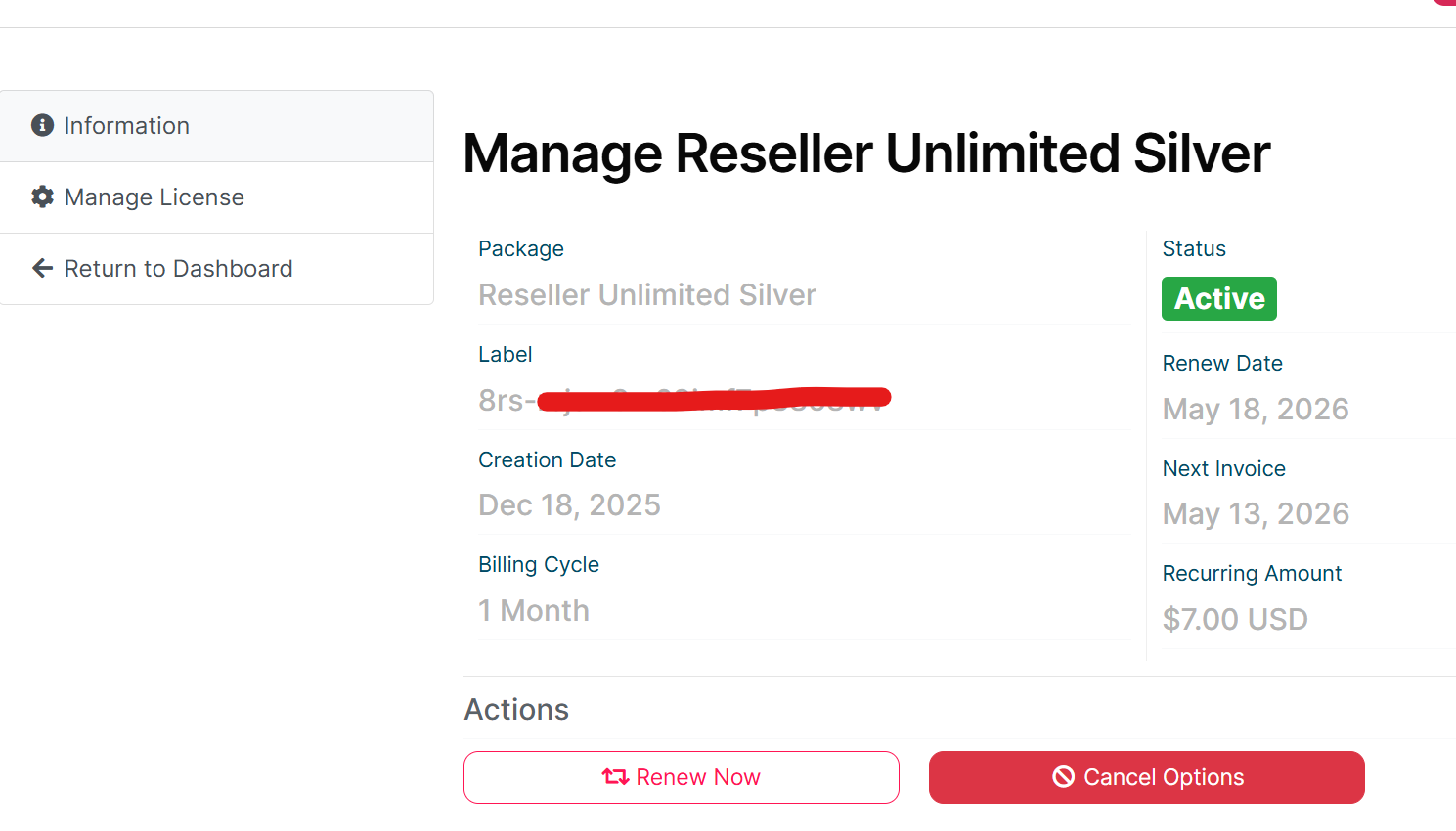
- Click on Cancel option
- A pop-up window will appear with the following options:
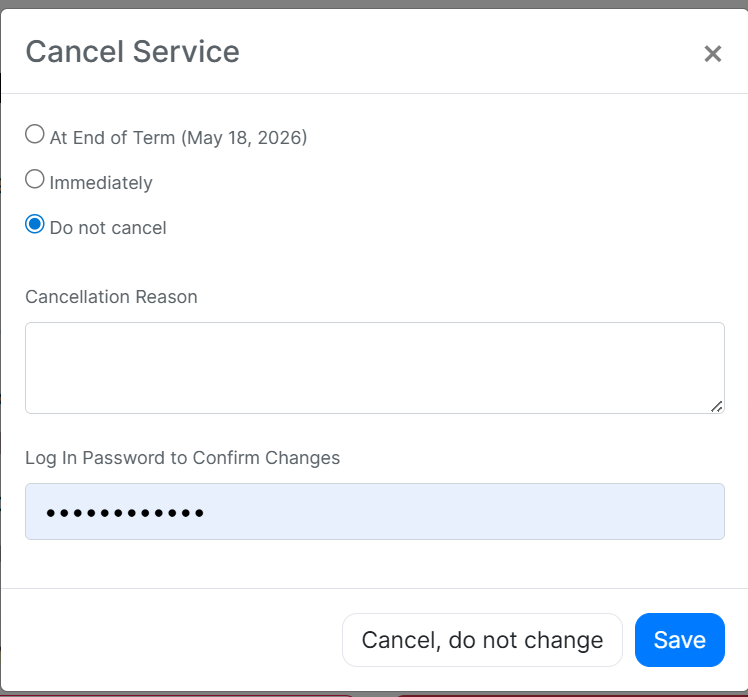
Cancel Service
| Option | Description |
|---|---|
| At End of Term | Cancels the license at the end of the current billing period |
| Immediately | Cancels the license right away |
| Do not cancel | Keeps the license active |
- Select your preferred cancellation option
- Enter a Cancellation Reason
- Enter your Log In Password to confirm the changes
- Click Cancel Service to proceed
caution
Select the option carefully based on your needs. This action cannot be undone once confirmed.