CAPTCHA for Temporarily Blocked IPs
cPGuard provides an option to allow temporarily blocked users to restore their own access by solving a CAPTCHA — without requiring any manual intervention from the administrator.
How It Works
When the Show CAPTCHA for Blocked IPs option is enabled, any user whose IP has been temporarily blocked — whether blocked automatically by DoS protection or manually added to the temporary ban list — will be redirected to a CAPTCHA verification page upon attempting to access the server.
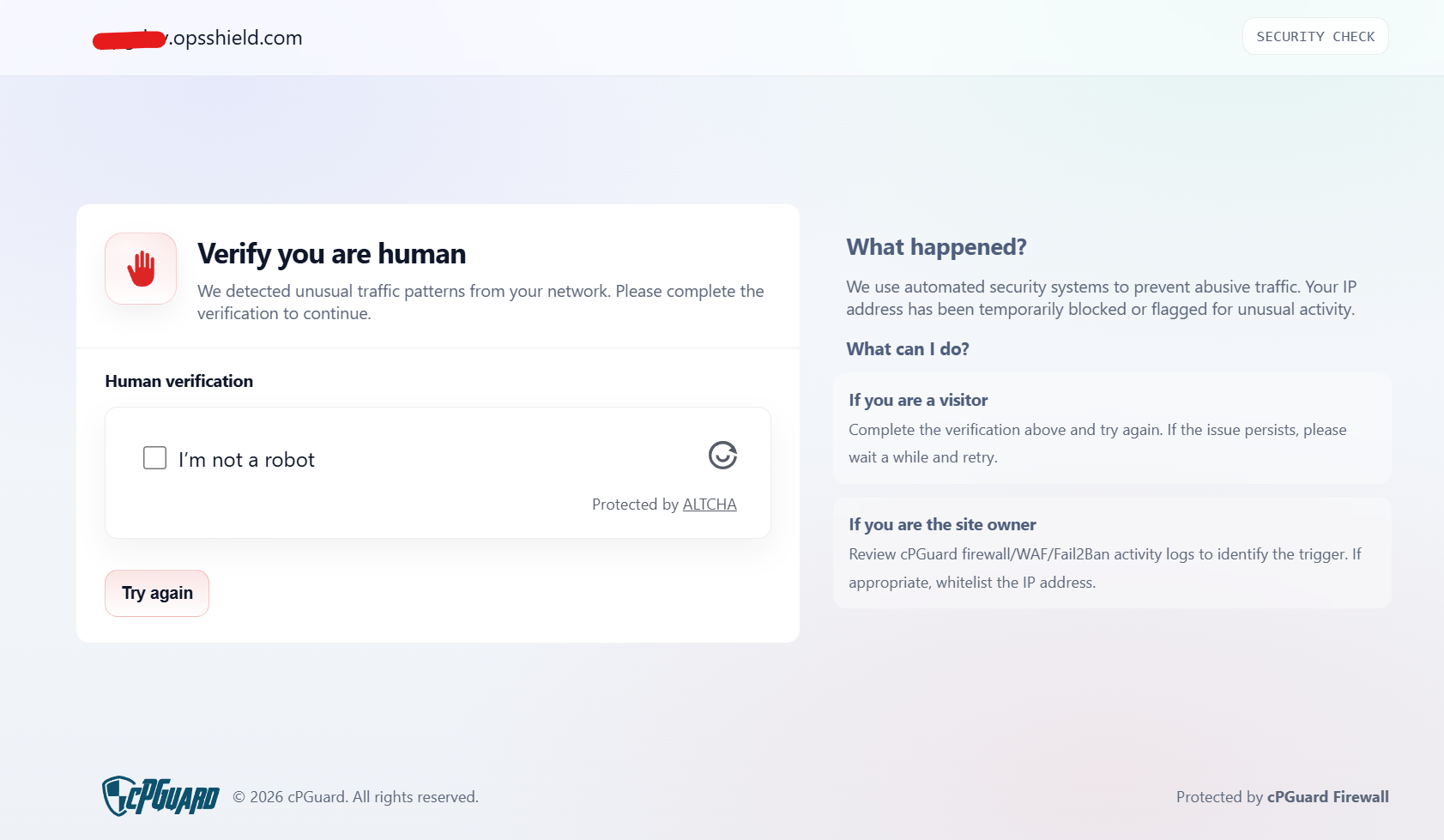
Once the user successfully solves the CAPTCHA:
- The IP address is automatically removed from the temporary ban list
- The user regains access to the server immediately
Enabling CAPTCHA for Temporarily Blocked IPs
- Log in to the cPGuard App Portal
- Navigate to Protection >> Firewall
- Enable the Show CAPTCHA for Blocked IPs toggle
- Save the changes

tip
Enabling CAPTCHA for temporarily blocked IPs is a great way to reduce false positives — legitimate users can verify themselves and regain access instantly, while actual malicious actors remain blocked.